
August 27, 2026
Discovery Pro 9.1, Bliss 3.21 released
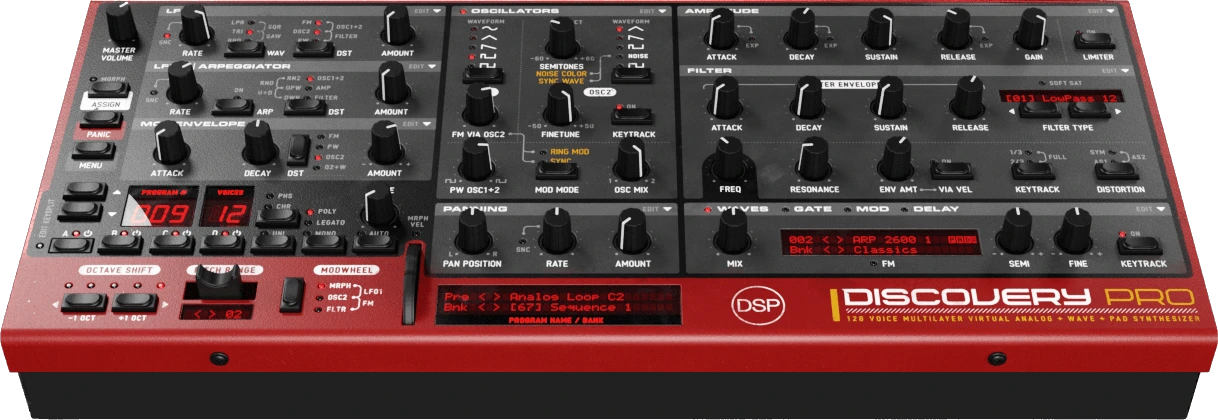
Version 9.1 adds the Smart Preset Generator and ships the factory programs as flat packs.
What's New
- Smart Preset Generator: A preset generator that learned from the sounds you already love. Use MENU > Edit > Generate Layer to get a new, playable layer, trained on more than six thousand hand-made layers from the Discovery Pro factory library. The model runs on your machine, inside the plugin and your session, no cloud. Perfect for starting points: a bass you did not have in mind, or a pad that moves in a way you would not have programmed.
- Flat Factory Packs: Factory programs now ship as one flat pack per category instead of thousands of loose files, so installs are much faster. Your own presets still live as files next to the packs and take priority over factory presets with the same name. Untouched factory files from earlier versions are moved to Presets > Programs (Ported) on first install.
- Multicore Voice Processing: Work is split from measured per-voice cost instead of a load threshold, for steadier CPU use at low polyphony.
This update is free for all 9.x and 8.x customers.
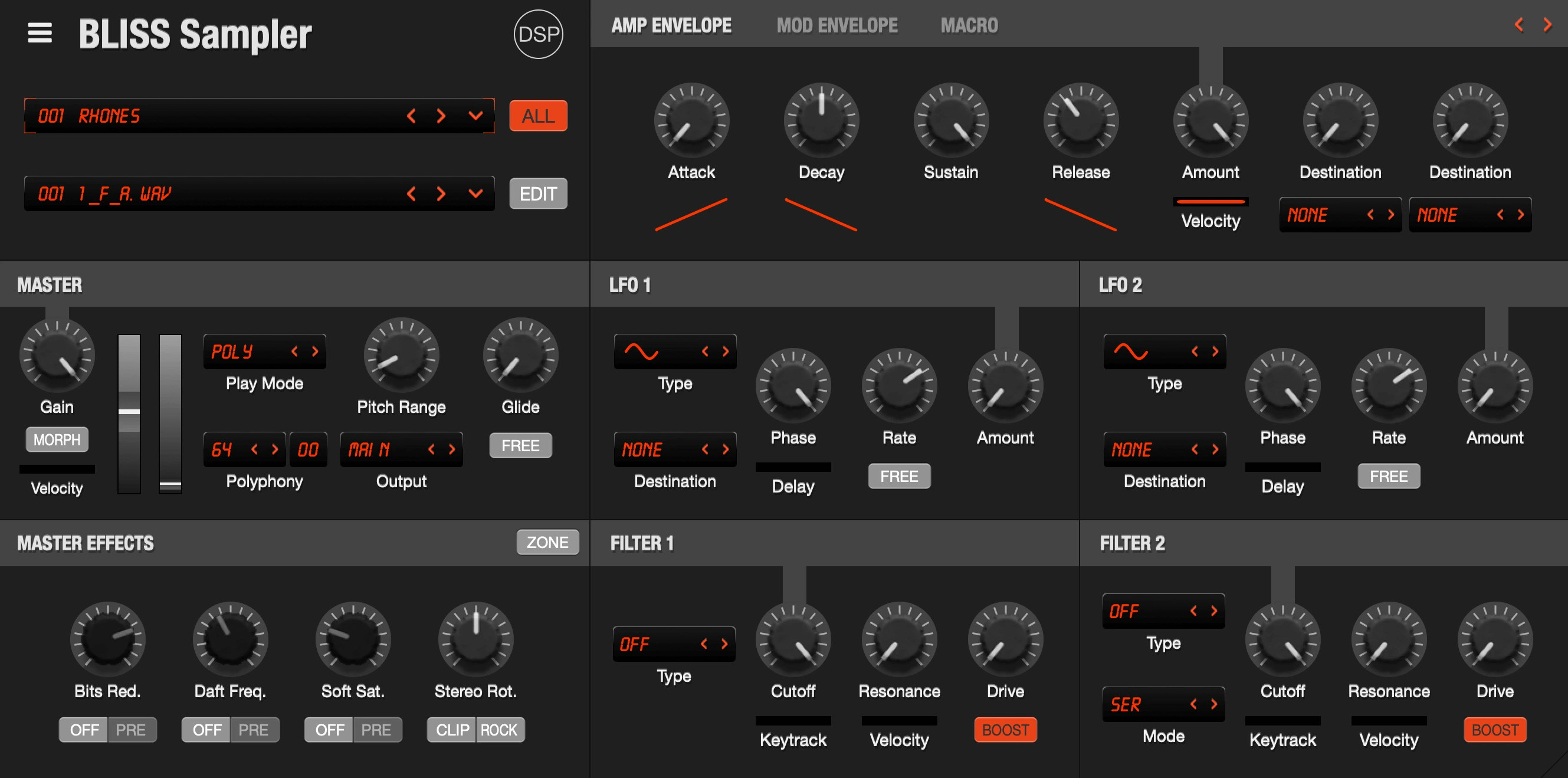
Version 3.21 brings an iPhone layout, iCloud Drive saving, zone list improvements and a set of editor fixes.
What's New
- iPhone Layout: Three switchable pages: main, master and filters, envelopes and LFOs. Arrows and side gutters page through, Back returns to main, and the visible page is kept when the editor reopens (iOS).
- Save Program To: A menu with the library folder tree up to three levels deep, Save Here and New Folder entries per folder, and an iCloud Drive target. A Bliss folder in iCloud Drive makes saved programs show up in the Files app. Relocate Original Location restores the default library placement (iOS).
- Zone List: Root note and velocity range chips, with root notes colored by octave and chips hidden when the list is too narrow. Added Sort by Round Robin. The list hides with a single zone, fits its width to the content, and the Range line is hidden with an empty program.
- Zone Audition: A play/pause button in the sample editor auditions the current zone, released when any other note plays or the editor is hidden.
- Sample Editor Layout: Zone properties rearranged with key and velocity ranges on a top Range row and the Advanced button under Group. On iPhone the close button moved into the menu bar, out of the rounded screen corner (iOS).
- Library and Sampling: Manage Library now includes the Instrument and Sample Library locations, and library menus rebuild in the background after saving. Automatic Sampling runs faster with shorter audio session waits and no device rebuild between takes (iOS).
- Bug Fixes: Fixed EXS files written by Logic Pro 11 failing to import, library menus opening unrelated dialogs after reinstalls and updates, library paths left pointing at a previous install, stereo pair listing for multi-channel USB interfaces in Automatic Sampling, the on-screen keyboard staying stuck on the auditioned zone key, zone list auto fit width and resizer bouncing, the Recall menu labeling Exit as Cues, and the Windows build with the virtual MIDI output.
This update is free for all Bliss 2.x and 3.x customers.
August 17, 2026
Corona 7 released
Corona is a hybrid synthesizer combining virtual analog and wavetable synthesis, with three VA/WAVE oscillators, 16 combine modes, dual zero-delay feedback filters, a 32-step arpeggiator and an 8-destination modulation matrix.

Version 7 adds MPE support routed into the modulation matrix, a Sequencer arpeggiator mode with step recording and MIDI export, a Super 7+ unison mode based on the JP-8000 supersaw, an 8x oversampling engine with Draft Playback, live modulation display across the panel, and an Effects Lock that holds the effects section across preset changes.
What's New
- MPE Support: Per-note pitch bend, pressure and timbre available as modulation matrix sources, with MPE Mode, Zone and Pitch Bend Range settings in the MIDI menu. RPN parsing for MPE Configuration Messages, polyphonic aftertouch as an alternative mode, Brightness (CC74) as a new modulation source, and status pills for MTS-ESP, MPE and Poly AT in the Global panel. Settings save per instance, so two instances in a project can use different configurations.
- Sequencer Mode: New SEQUENCER arpeggiator mode turning the velocity lane into a 12 semitone note grid drawn over a piano grid. Held keys transpose the pattern from the lowest key, with three triggers (hold, toggle and sync). Record arms a step cursor driven from MIDI in, Export MIDI writes the pattern as a one-bar loop with ties merged into held notes, and Generate Sequence builds a playable bassline.
- Super 7+ Unison: New Super 7+ option in the Unison Voices dropdown with a JP-8000-style mix law, per-saw stereo panning and a Unison Panning Spread control.
- Oversampling: Engine now runs at 8x instead of 4x. Offline bounces use a linear-phase FIR with reported latency while realtime keeps the zero-latency path. New Draft Playback option halves the oversampling factor while auditioning, applying to realtime only so offline bounces always render at the full factor. New 1:2 interpolator for 88.2 and 96 kHz.
- Modulation Display: Live modulation shown on knobs that previously had no indicator, envelope stage progress on the ADSR knobs, and each super saw voice drawn as a glowing dot on the unison pan control.
- Preset and MIDI Handling: Rewritten Synth1 preset importer with fixed silent oscillators and a new File > Import Synth1 Folder command. Rewritten JP-8000/8080 preset converter and SysEx parser, with a fix for the combine mode that silenced the second oscillator on most imported presets.
- Effects Lock: New Effects Lock holds chorus, delay, distortion and limiter settings, including their on/off states, across preset and bank changes, with a lock button in the effects header. The Edit menu now groups the Arp, Effects, Tuning, Velocity Curve and Voice locks together.
- Performance: AVX2 oscillator kernels on Intel with bit-identical output, plus an AVX1 fallback with runtime dispatch so pre-Haswell Intel Macs are supported.
- Bug Fixes: Fixed effects DSP chain clicks and pops on toggles and parameter changes, limiter clipping and latency reporting, knob indicator rings trailing behind the pointer while dragging, silent offline renders on instances after the first, and blurry non-retina (100% GUI) assets.
This update is free for all Corona 6.x customers. Corona is available for Windows, macOS, and Linux in VST, VST3, AU, AAX, and standalone formats.
August 10, 2026
Discovery Pro 9 released
Discovery Pro is the ultimate virtual analog synthesizer and sampler with 4 layers, 12 oscillators, 16 filter types including Nord Lead 2, Moog, and Oberheim SEM models, SFZ/WAV/SoundFont support, PADSynth re-synthesis, and Nord Lead 2 SysEx import/export.
Version 9.0 is an industry first with the HDR interface, and adds a key split popup with saveable zone presets, reworked voice stealing, and eight ready-made key split presets.
What's New
- HDR Interface: The lit parts of the panel now use real HDR artwork instead of the brightest white a screen can manage. LEDs, character and number displays, knob rings, PAD and ECO buttons, gate and mod steps, and the scope and FFT traces all glow properly on an HDR-capable Mac display, the way real hardware does in a dark studio. As far as we know, this is the first plugin to do it.
- Sequencer Play Head: Gate and mod steps now light up under the play head as the sequence runs, with an HDR flash on capable displays.
- Key Split Popup: Click the split selector for Off, AB/CD and Custom plus every split you have saved, listed with its ranges, for example "Bass Split: AB (C0-B2) CD (C3-G9)". Save, load and delete from the same popup. Shift+click and right-click still cycle the modes.
- Key Split Presets: Eight ready-made splits (Bass Lead Layer, Bass Split, Four Way, Lead Top, Piano Bass, Split Pads, Three Way and Wide Split) listed next to your own saved splits. Note pickers only offer octaves that fit.
- Voice Stealing: Discovery Pro now takes the voices you are least likely to miss first, free ones, then notes already fading out, and only touches keys you are still holding as a last resort. Unison voices are taken as a group instead of pulling a single voice out of a stack, and repeated notes keep their release tail with unison on.
This update is free for all Discovery Pro 8.x customers. Discovery Pro 9 uses its own license file, so you need to enter your valid 8.x serial once after updating.
Discovery Pro is available for Windows, macOS, and Linux in AAX, VST, VST3, AU, and standalone formats.
August 1, 2026
OPL 3.0 and updates across the product lineup
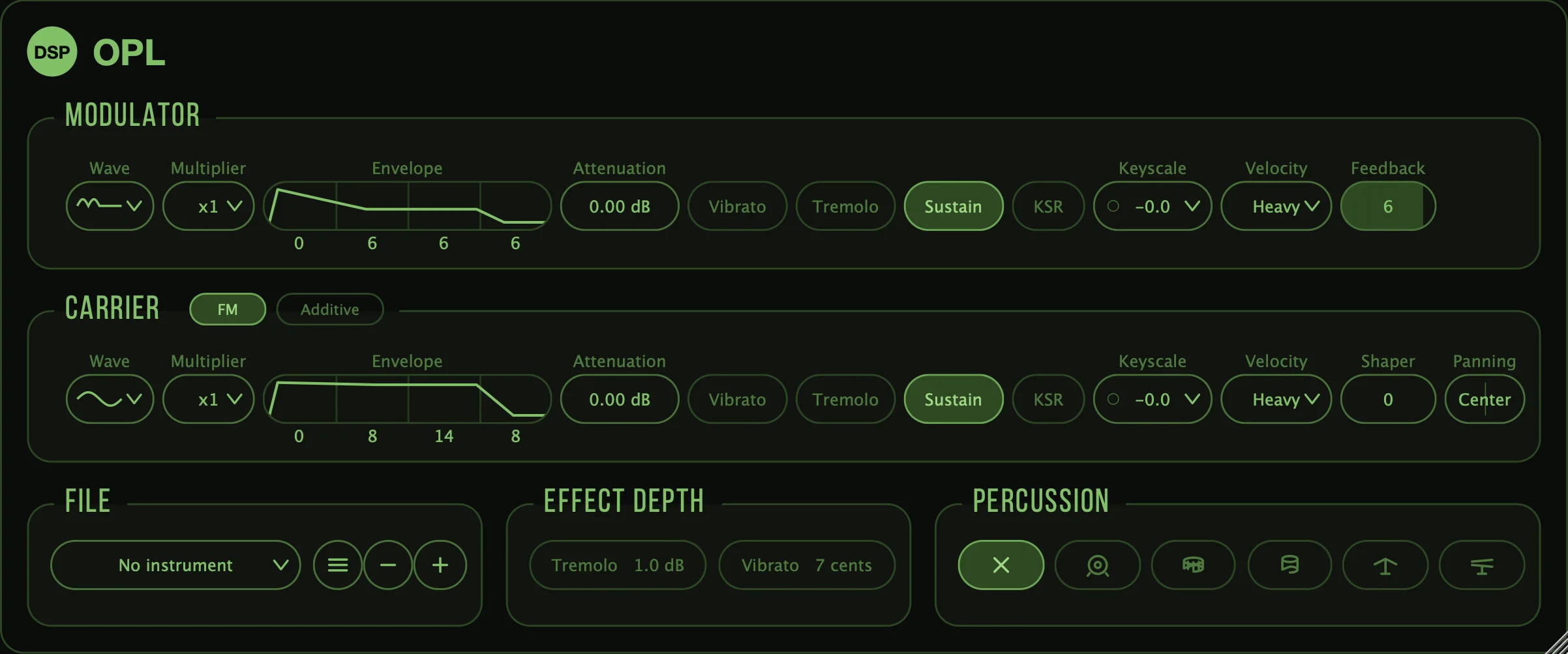
OPL is an FM synthesizer based on the Yamaha chips that defined PC game audio, playable as a plugin or standalone instrument.
Version 3.0 is a complete rewrite. The FM engine now runs on the YMF262 (OPL3) in place of the previous OPL2 emulation, and every part of the plugin has been rebuilt around it: synthesis core, register layer, parameter handling and interface.
What's New
- YMF262 (OPL3) Engine: All eight OPL3 waveforms available per operator, replacing the four-waveform OPL2 set.
- Oversampling up to 16x: Applied to the chip itself, cutting the aliasing FM synthesis produces at high modulation settings. Pitch, envelope timing and key scaling stay constant across every setting.
- Separate Bounce Oversampling: Offline renders use a linear-phase filter and report their latency, so a bounce matches what was monitored.
- New Interface: Redrawn as resolution-independent vector graphics in a freely resizable window with a zoom menu, replacing the fixed-size bitmaps. Voice activity is shown live on the envelope displays.
- Native Dialogs: Instrument browser and settings presented through the OS dialogs.
This update is free for all OPL customers. Upgrading from 2.x requires a one-time reauthorization, which creates a new License3.key file.
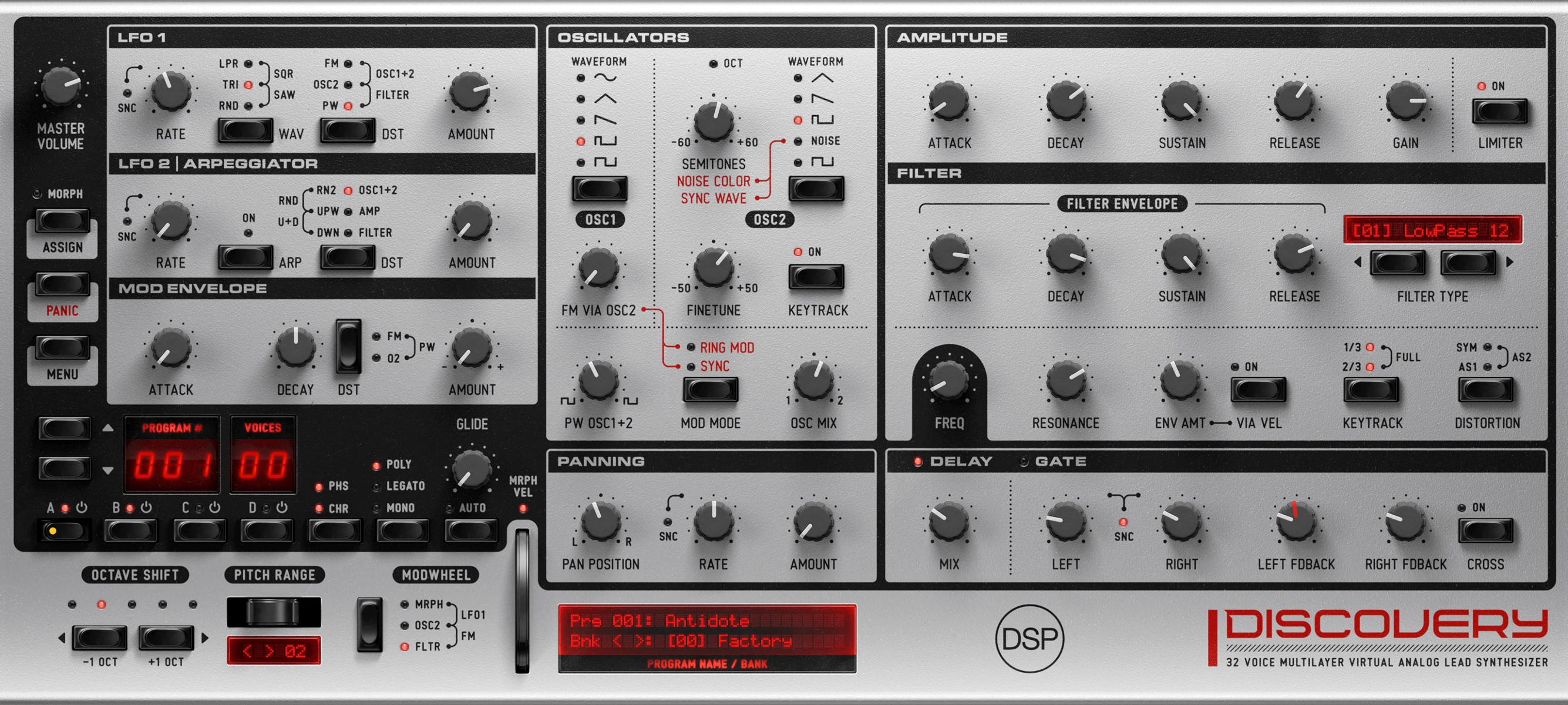
Version 6.5 adds unison with stereo spread, a gate sequencer play head and mouse wheel control across the panel.
What's New
- Unison with Stereo Spread: Two detuned voices in poly mode, four in mono and legato. Chorus and phaser move to their own button, with unison taking a dedicated button and LED. Layers saved before 6.5 keep their chorus setting.
- Gate Sequencer Play Head: Highlights the step being played, running only while a note is held.
- Mouse Wheel on Knobs: The LCD shows the parameter name and value as you turn. Hold Shift for fine adjustment.
- Interface: Added a glow halo to the LEDs, updated artwork at all display scales, and fixed LEDs sitting above a button needing a second click.
- Fixes: Fixed font construction on all platforms. Windows now uses Segoe UI.
This update is free for all Discovery 6.x customers.
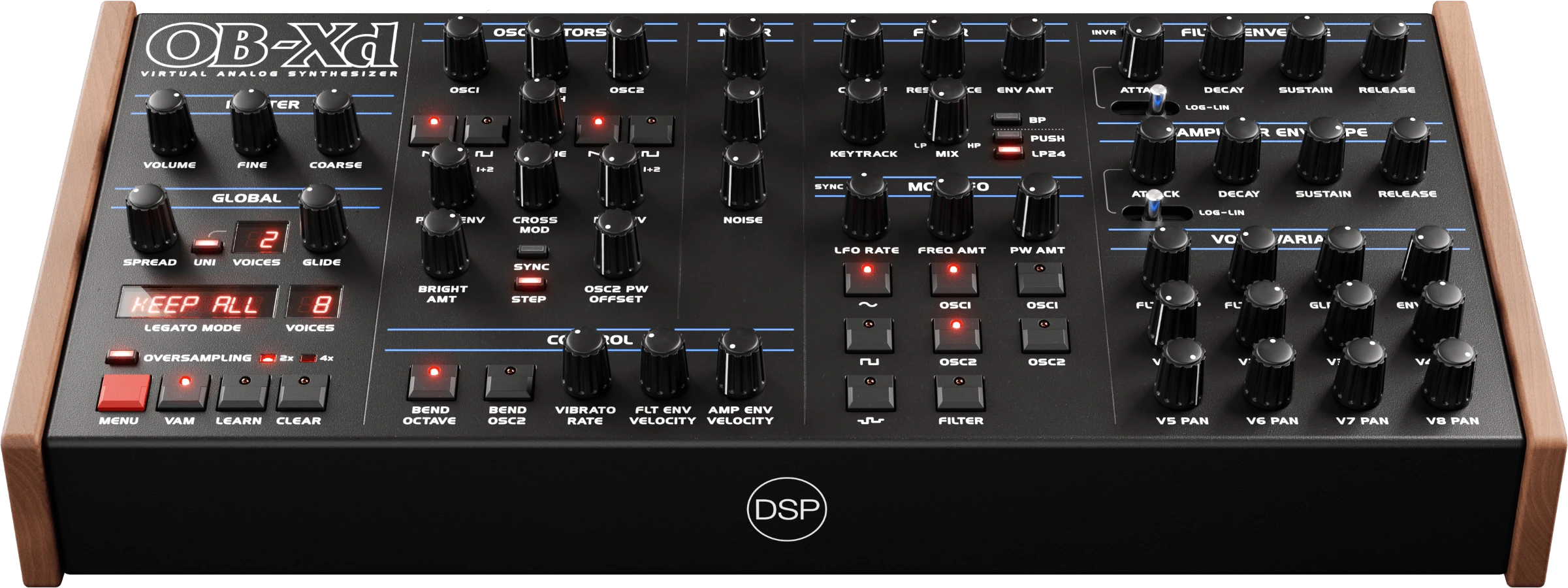
Version 3.23.3 adds a tempo-based rate menu to the LFO and corrects the rate readouts.
What's New
- LFO Rate Menu: Right-click the LFO Freq knob (tap and hold on iOS) to pick a cycle length from 1/16 note up to 8 bars, with dotted and triplet submenus. Each entry converts to Hz at the current host tempo. Long cycles of 2, 4 or 8 bars can be set exactly instead of hunted for at the low end of the knob.
- LFO 2 Rate Readout: Showed a raw 0-1 value instead of Hz or a note division. It now reads the same as LFO 1.
- Synced Rate Labels: Host-synced rates displayed internal multipliers with a misleading BPM suffix, so a 1/16 note read as 4 BPM. Rates now use standard note names.
This update is free for all OB-Xd 3.x customers.

Version 1.5 adds the General Instrument AY-3-8910 and Yamaha YM2149 PSG, the sound of the ZX Spectrum 128, Amstrad CPC, Atari ST and MSX, and fixes long-standing DX7 tuning problems.
What's New
- AY-3-8910 / YM2149 PSG: Emulated with Ayumi by Peter Sovietov, with a voice engine ported from Ym2149Synth by trash80. Three-voice polyphony, switchable YM2149 and AY-3-8910 engines, CC 1-11 control mapping, .ay patch files browsed from a folder, and MIDI Program Change navigation.
- Factory and User Banks: AY/YM banks are split so Factory stays fixed and its Program Change numbers never shift. Imports always land in User, Export zips the User bank, and Factory presets are protected from deletion.
- State Persistence: Engine selection, CC values and preset name restored on project reload, with live CC edits taking priority over stored preset values.
- DX7 Tuning and Range Fixed: Two equal and opposite errors in the key offset and EGS pitch constant cancelled each other out while silently dropping the top two notes. The playable range is now C2 to C7, with A4 at 440.17 Hz.
- DX7 Controllers: The firmware never initialises its controller table, which on hardware survives in battery RAM. Mod wheel, aftertouch, breath and foot controllers are given usable defaults after boot, and the mod wheel no longer transposes pitch by a semitone at full travel.
Version 3.18 adds hardware program export, reworks bounce quality around oversampling, and rewrites loop point detection.
What's New
- Alesis SamplePad Export: Program export for the hardware, alongside a new 16-bit WAV export option for zones.
- Middle C Convention: Automatic Sampling now follows the Kontakt and Yamaha C3 convention, so imported instruments land at the expected octave.
- Bounce Quality Rework: Playback is fixed to the high-quality polyphase engine, with Bounce Quality reworked into oversampling steps plus a SINC 512 mastering option.
- Find Loop Points Rewritten: Sustain-aware, pitch-synchronous detection running in a background progress window.
- Workflow: Filter boost wired to a hotter Q with per-type make-up gain, a real-time envelope position dot tracking all zones, Global Edit and Auto-Adjust Zone List Width enabled by default, and polyphony defaulted to 16 with the limit counting held notes instead of voices.
This update is free for all Bliss 2.x and 3.x customers.
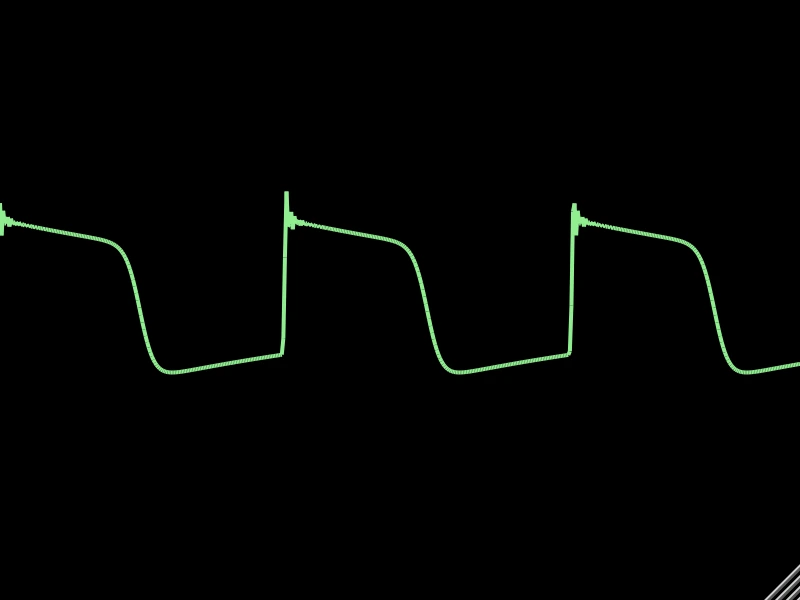
Version 3.11 rebuilds Scope as a multi-view analyser and folds the Spectrum and FFT plugins into it. The bundle now ships eight plugins instead of ten, with no loss of functionality.
Scope 3.0
- Five New Views: Spectrum, Spectrogram, Spectrum Equalizer, 3D Spectrum and Semaphore join the linear, circular and Flurry displays. Only the visible page receives audio, so the extra views cost nothing when they are not on screen.
- Spectrum Equalizer: An octave-band display styled after a vintage hi-fi LED meter, with eight ISO centre frequencies from 80 Hz to 10 kHz. Energy is summed across each octave rather than sampled from a single bin, and a pink-noise tilt keeps typical material reading flat.
- 3D Spectrum: An FFT waterfall drawn as a lit triangle mesh with three render styles. Drag to rotate, click to start or stop the spin. Auto-rotate, rotation speed and render style are automatable.
- Semaphore: Three lamps driven by lows, mids and highs, with a squelch that keeps them dark on room tone.
- Native Popup Menu: A hamburger button replaces the hand-drawn config panel, with every view, zoom preset and colour scheme one click away.
- Shared Gain and Colour Schemes: All views ride the vertical zoom parameter for input gain and share the scope's colour schemes, including animated Rainbow.
Bundle Contents
- Spectrum and FFT Discontinued: Both now ship as Scope views. The mel-scale analyser is Scope's Spectrogram view and is available on every desktop platform through Scope.
This update is free for all FX Bundle customers.


