
October 15, 2026
Blub, Roboto, WavePrompt and more
The first half of October brings a new modular tracker, a free singing voice synthesizer, LoRA support and a Windows version of WavePrompt, a Hammond B3 organ in Retromulator, disk streaming in Bliss and updates across the rest of the product line.
Blub (Beta)
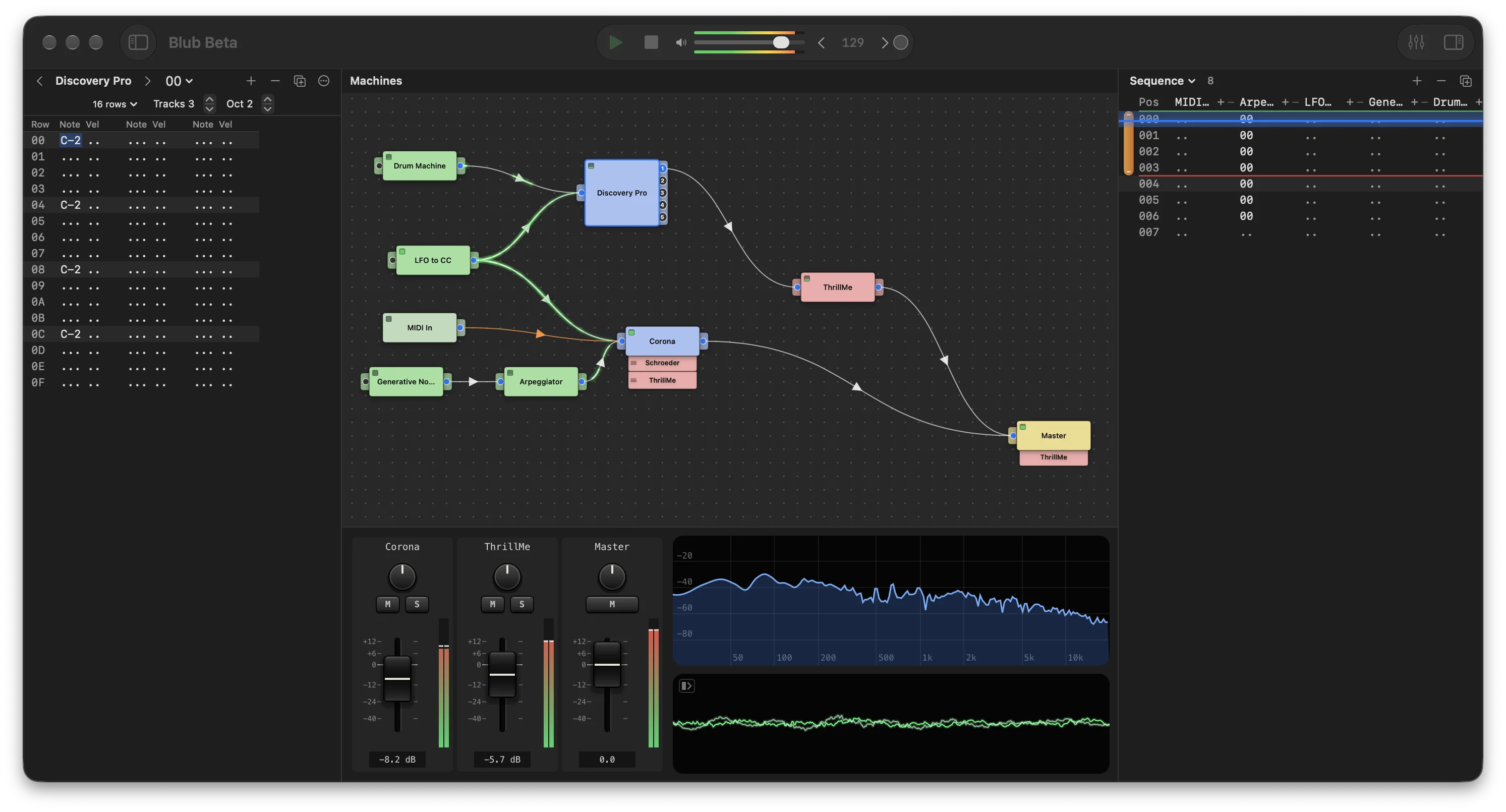
Blub is a new modular tracker for macOS in the style of Jeskola Buzz. AU and VST3 plugins and built-in machines are placed on a canvas, wired with cables and played from tracker patterns and a song sequence. Blub is now in public beta.
Roboto 1.2
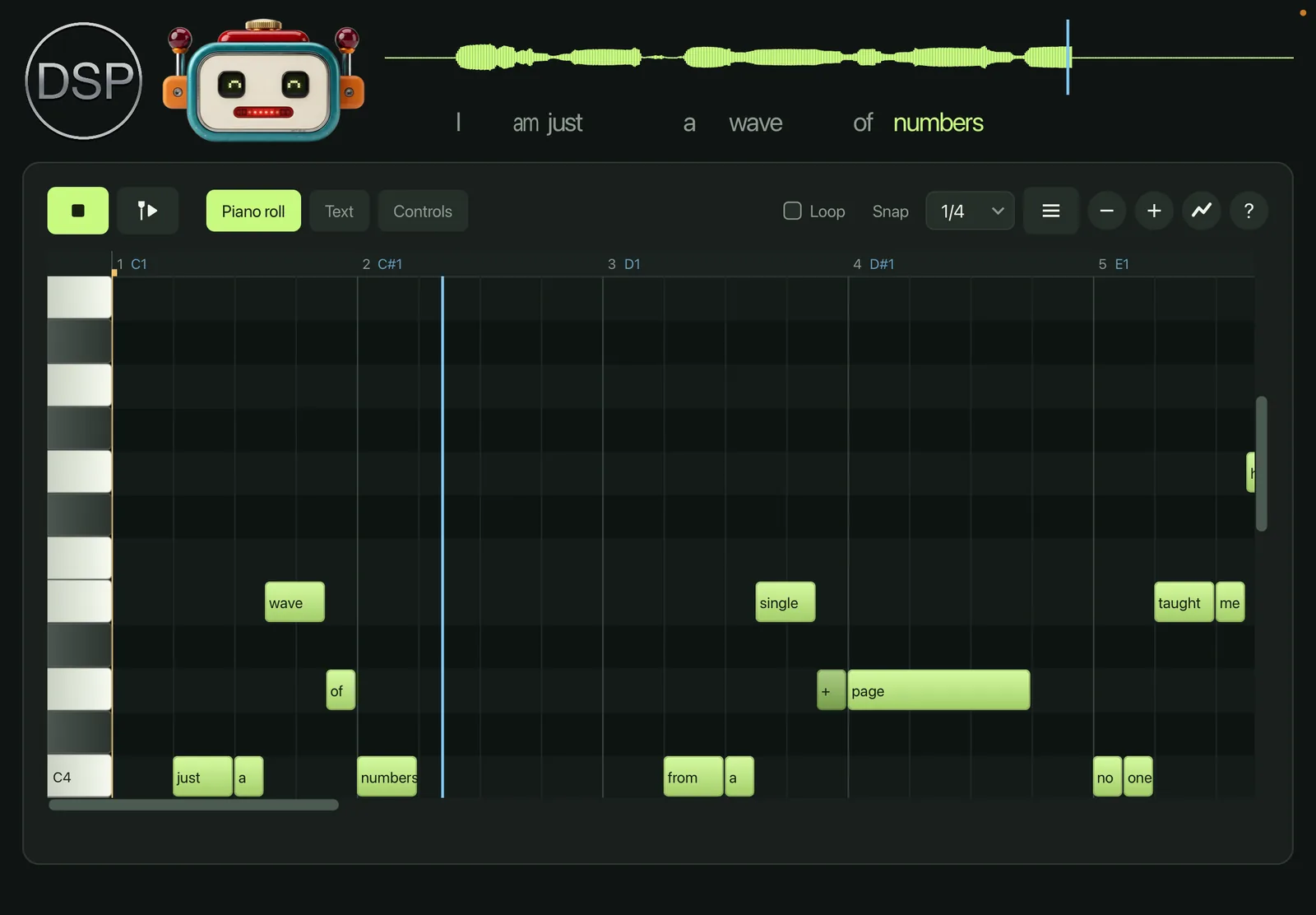
Roboto is a new free singing voice synthesizer. Write a melody in the piano roll, type a word on each note and Roboto sings it. The voice is synthesized with no samples. Roboto 1.0 was released on October 3 and is now at version 1.2.
What's New
- Languages: Sings in English, German, French, Spanish, Japanese, Russian, Finnish and Swedish, with the sounds and spelling rules of each language.
- Classic Voices: Ten voices from a second formant engine with the sound of 1990s singing software, picked from the voice box or with @voice in the song text.
- Talk Box: A plucked string replaces the voice and the mouth shapes it, like a guitar or synth talk box.
- Import and Export: MIDI, karaoke MIDI, UltraStar, LRC and SRT import, AAC and video export.
- Performance: Phrases start on the exact sample of a MIDI key, Follow transport plays the whole song with the host, and keys on MIDI channel 2 change the sung pitch live with an adjustable Glide.
- Piano Roll: Box selection, cut, copy, paste and duplicate, and curve points that snap to the grid.
Roboto is free and runs as a plugin or standalone on macOS, Windows, Linux, iPhone and iPad.
WavePrompt 1.1
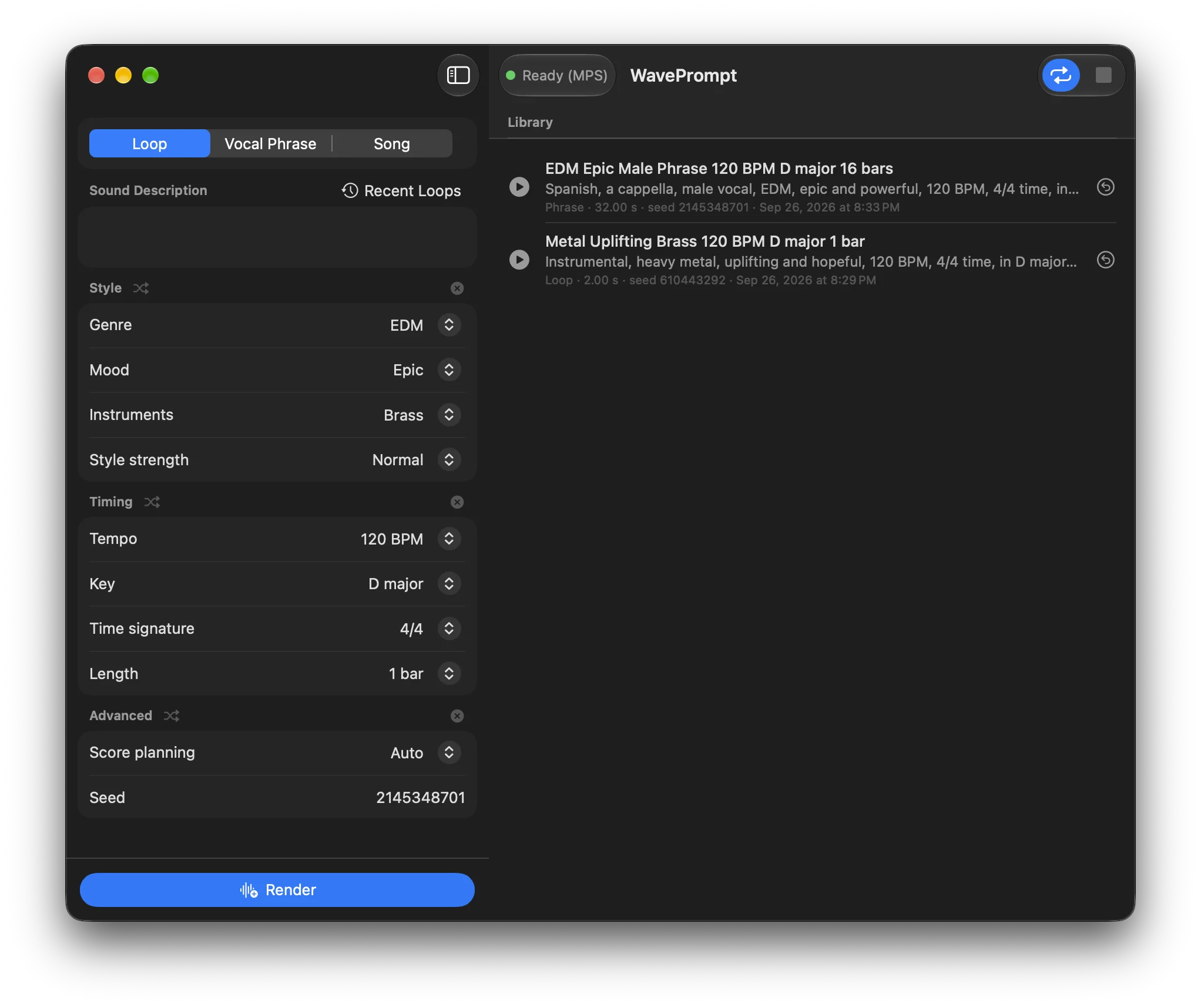
WavePrompt generates loops, vocal phrases and full songs from a text prompt, using the YuE2 music model. Everything runs locally.
What's New
- Windows: WavePrompt now runs on Windows PCs with NVIDIA or Intel Arc graphics. The setup resumes the GPU runtime download after a dropped connection.
- LoRA Support: Push strengthens the chosen genre or voice with a LoRA trained on it, for 14 genres and for male and female voices. Import LoRA adds YuE2 LoRAs from Hugging Face, a download link or a .safetensors file.
- Arranged Instrumentals: Instrumental songs can plan an intro, verses, choruses and an outro before rendering.
- Import Memo: The piano roll turns a hummed or sung recording, such as an iPhone Voice Memo, into a melody with matching tempo and key.
- Songs: An Auto length that fits the song to its lyrics, vocals that follow the chosen key and the chords the backing plays and stay on the beat, and lyric checks in seconds instead of minutes.
- macOS: The Mac version runs on macOS 14 Sonoma and later. The LoRA pack downloads only when first used.
WavePrompt is free for Mac and Windows.
Retromulator 1.10
Retromulator runs classic hardware synthesizers from their original firmware or circuit models, now with sixteen cores.
What's New
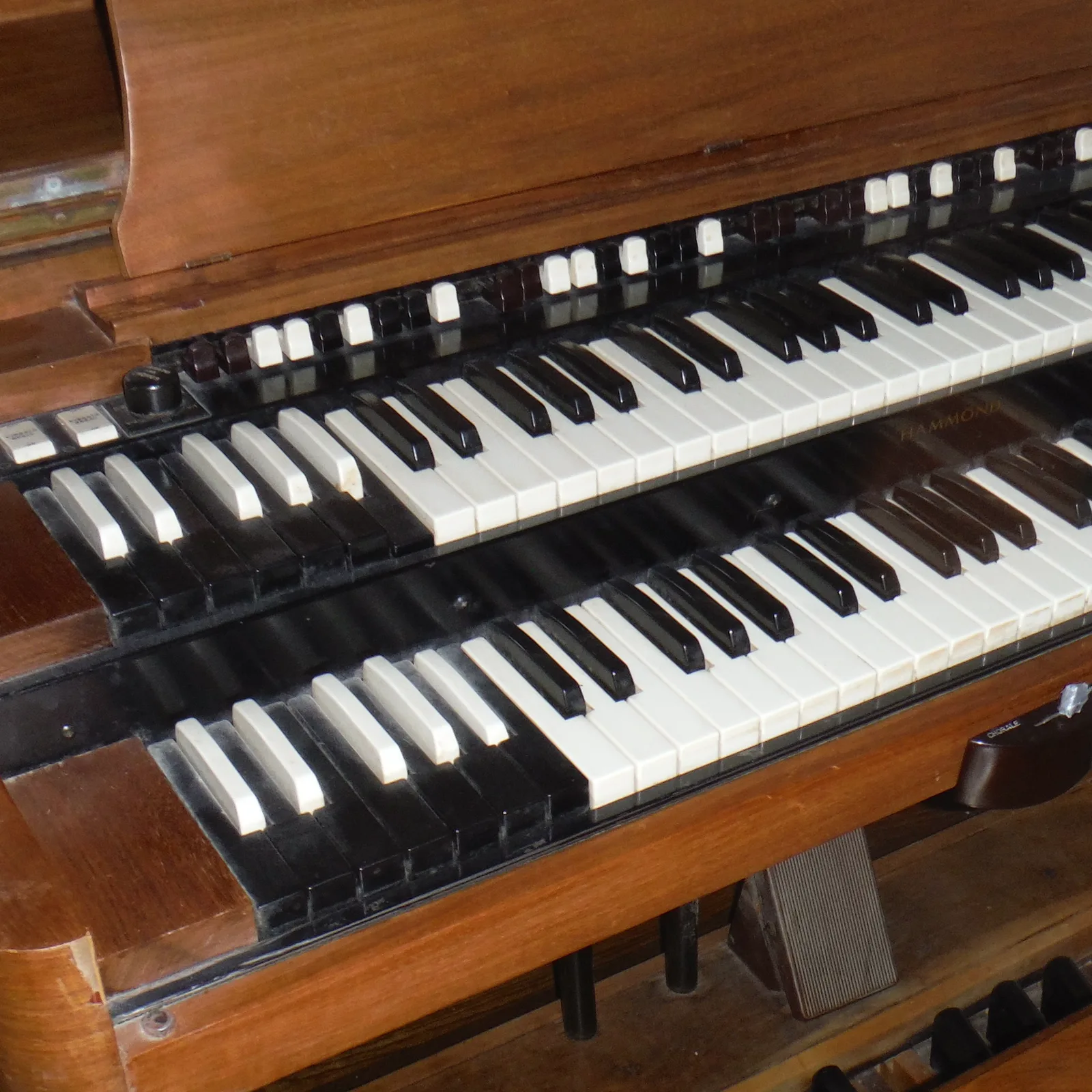
- OpenB3: New Hammond B3 organ core with Leslie speaker, based on setBfree. Upper, lower and pedal drawbars, percussion, vibrato and chorus, overdrive, reverb, three Leslie cabinets, a keyboard split and .fxp presets.
- Matrix-1000: The voice model was reworked from the schematic: oscillators restart on the edges of the emulated 8254 timers, DCO sync follows the circuit, and the DAC ranges, VCA curves and filter follow the hardware.
- DX7: Mod wheel, breath, foot and aftertouch now take effect by default, with a setup entry for each controller in the bank menu.
- License: Buy License and Register are in the None core menu.
This update is free for all Retromulator customers.
Discovery Pro 9.5
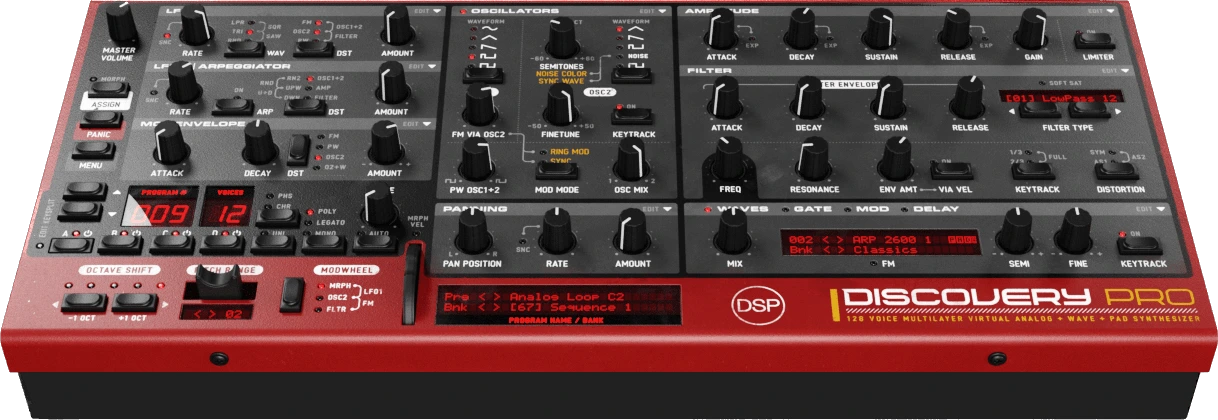
Discovery Pro is a 4 layer virtual analog synthesizer and sampler. Version 9.5 and the updates that followed focus on the sequencers, the filter and the factory sound.
What's New
- Sequencer Zoom Window: The Gate and Mod sequencers open in a large editor with a curve mode, a bipolar mode, an OSC1+2 pitch destination, a Gate and Mod link and tempo based note divisions from 1/4 to 1/64.
- Nordic Filter: Rebuilt from the Nord Lead 2X hardware, running the NL2 filter equations at the hardware's 98.2 kHz clock. The filter menu is split into models and modes.
- Factory Banks: Every program in all 105 banks was measured and leveled to a consistent loudness, and the banks load with the High Quality or Retro oscillators.
- Percussion Mode: Each kit is a submenu with its zones, and the LCD steps through zones with < and > buttons.
- Fixes: Filter keyboard tracking at Full now follows one octave per octave, and a program with a corrupt LFO 2 phase no longer freezes the plugin.
This update is free for all Discovery Pro 9.x customers.
Bliss 3.28

Bliss is a sampler with VST/AU instrument recording, a Visual Key Mapper, a built-in wave editor and wide format support.
What's New
- Disk Streaming: Programs over 256 MB stream from disk, reading samples straight from their source files, including gig and SF2 data, NKI monoliths and DecentSampler libraries. Streamed zones load into RAM on the first edit.
- Shared Samples: Identical samples are stored once on load and import, and Akai ISO programs load on demand.
- Per-Slice Loops: Each slice can have its own loop mode, loop points and crossfade, and macro links can follow a single slice loop.
- Sample Editor: A Spectral waveform view that colours the wave by frequency, Playhead View modes, Paste at, Duplicate Loop and Shift+Click to play from a position.
- Loading: Host state loads in the background with a progress bar on the LCD, and saving is faster.
This update is free for all Bliss 2.x and 3.x customers.
Vertigo 5.5
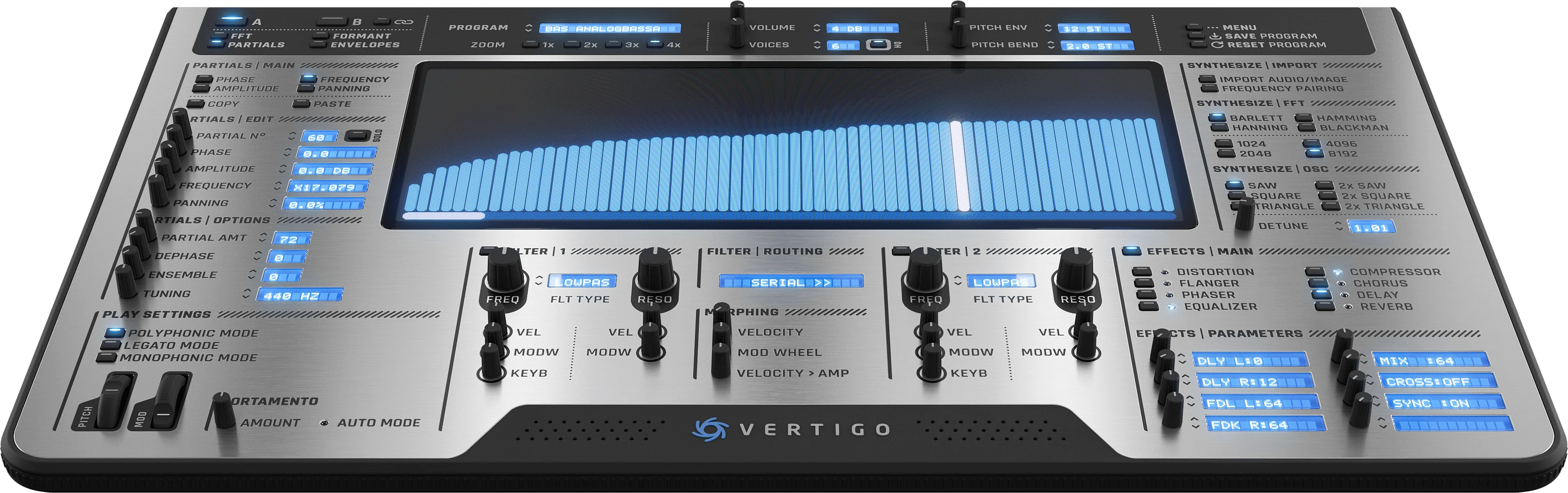
Vertigo is an additive synthesizer with 512 oscillators and audio and image resynthesis.
What's New
- Wave Library: A library built from the sample collections already on the computer, including Logic Pro Alchemy and Logic samples, Bliss libraries and the Discovery Pro and Corona wave banks. Picking a wave resynthesises it into the active source.
- Loop Points: Waves without loop points get an automatic sustain loop placed on the best matching spectral frames.
- Interface: Wave analysis runs in the background, so the interface stays responsive.
This update is free for all Vertigo 5.x customers.
Also Updated
- Discovery 6.7: Fixed the Formant 24 filter, which was almost silent, and filter keyboard tracking. Black keys are drawn in code on iOS.
- OPL 3.2.3: New Play Mode menu with Poly, Mono and Legato, and fixes for the Attenuation setting.
- MidiKeys 1.9.4: New keyboard artwork, octave scrolling, a new overlay with Liquid Glass on macOS 26 and darker black keys in dark mode.
- KeyPad 1.15: New Piano Fader view with CC faders and CC set presets.
We also redesigned the website with a new navigation menu, soundware pages with designer, free and newest filters, and a new support and knowledge base section.



